
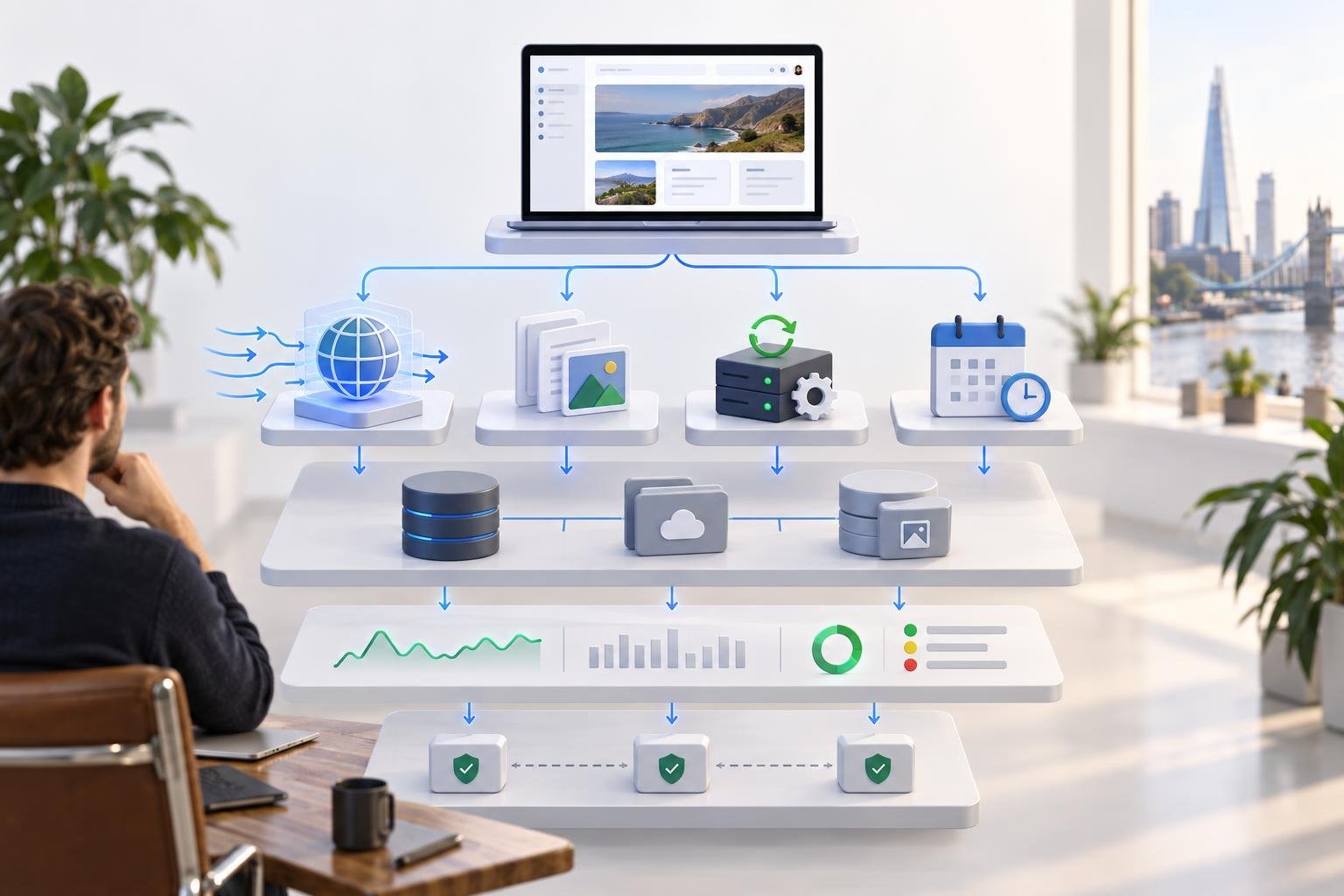
Replit App to Production: Choose the Right Deployment
Replit makes publishing an application pleasantly easy. The more important production decision happens one step earlier: what exactly needs to keep running after you press Publish?
A customer-facing web app, a static marketing site, a permanently connected bot and a nightly reconciliation job are all software. They are not the same workload. Replit currently offers four deployment types for that reason: Autoscale, Static, Reserved VM and Scheduled. Choosing between them is less about which option sounds most serious and more about what the application actually does when nobody is looking at the editor.
This guide is for founders moving a Replit-built product from a convincing working build to a deliberate production setup. It focuses on the Replit-specific decisions: deployment type, live data, uploads, secrets, republishing, monitoring and recovery. For the broader engineering work around permissions, integrations, testing and operational ownership, our AI prototype to production guide covers the general foundations.
Start with the workload, not the Publish button
Replit’s deployment documentation describes Autoscale as the default and recommended choice for most builders. That is sensible for many web applications, but “default” should not become “architecture”. The useful question is what work must happen, for how long, and in response to what trigger.
| Deployment | Use it when | Watch for |
|---|---|---|
| Autoscale | A web app or API responds to customer requests and traffic varies. | Instances can scale down when idle, so do not design around an in-memory process that must run forever. |
| Static | The product is only files delivered to the browser: landing pages, documentation or a client-side site with no Replit backend. | There is no backend server. Replit says Agent-built full-stack apps are not compatible with Static deployments. |
| Reserved VM | The application needs a continuously running server or background worker, such as a bot, long-running consumer or always-on API. | You are paying for dedicated compute that does not scale to zero, so confirm the workload genuinely needs it. |
| Scheduled | A command should run periodically, such as a report, notification batch, status check or backup trigger. | Scheduled deployments do not serve a web page and have no public URL. |
The common mistake is to force one deployment to do two different jobs. A customer-facing application may suit Autoscale perfectly while its long-running queue worker does not. Equally, a nightly job does not need an always-on VM merely because it sounds industrious.
Publishing creates a production instance, not a live copy of your editor
Replit describes Publishing as creating a snapshot of the application’s files and dependencies and running that snapshot separately on its cloud infrastructure. Editing the project afterwards does not quietly change the live app. To release those changes, you publish again.
That separation is useful. It creates a real release boundary: the thing customers are using is not simply whatever happens to be open in the Project Editor at 16:47 on a Friday.
It also means a production test should happen after publishing or republishing. The published instance can have different environment behaviour, production data, traffic patterns and infrastructure characteristics from the development version.
Replit states that published apps run in dedicated single-tenant Google Cloud projects, isolating compute resources, secrets and storage between customers. That is infrastructure isolation supplied by the platform. It does not replace the application’s own customer-data controls. If your SaaS has ten client organisations, your code and database rules still need to ensure Client A cannot read Client B’s records.
Put live data somewhere designed to survive a release
Replit explicitly advises against relying on files written to a published app’s local filesystem. A deployment is not a filing cabinet. Persistent customer data belongs in a database or storage service designed for it.
For Replit Database, current apps use separate development and production databases. The development database is for building and test data; the production database serves the published application and holds live business data. Replit’s documentation says Agent can modify the development database but cannot directly modify the production database. Schema changes made in development are applied to production through the publishing process.
That distinction should change how a founder thinks about release testing. A feature can work perfectly against tidy development records and fail when a production migration meets six months of real data. Replit recommends using a deployment preview to test application and database changes in an isolated copy of the production environment before they affect real users.
Uploads deserve the same discipline. User documents, generated files and other durable assets should live in an appropriate persistent storage layer rather than an ephemeral deployment filesystem. Decide where they live, who may access them and how they are recovered before the first customer uploads something you would rather not explain losing.
Secrets belong in Secrets, but access design still belongs to you
API keys, tokens and database credentials should not be hard-coded into the application. Replit’s Secrets tool stores sensitive values as encrypted environment variables and makes them available to supported deployment types. Static deployments are the exception because there is no backend environment in which to keep a server-side secret.
There is a second question beyond storage: which credential should the production application possess? A secret can be perfectly encrypted and still be far too powerful. Use production-specific credentials, give them the narrowest useful permissions, and rotate anything exposed during development or testing.
A worked example: customer portal plus background job
Imagine a founder has built a customer portal in Replit. Customers sign in, upload documents, submit a request and see its status. Every submitted request also triggers a longer processing job that may take several minutes, followed by an email notification.
The tempting design is one application that accepts the web request and then keeps working in the background until everything is finished. That can become fragile if the web deployment is designed to scale with requests rather than remain continuously alive.
A more deliberate Replit setup might look like this:
- Customer portal and API: Autoscale, because traffic varies and the application mainly responds to web requests.
- Live records: the production database, not files in the deployment and not the development database.
- Uploaded documents: persistent application storage with explicit access rules, rather than the local deployment filesystem.
- Long-running processor: a Reserved VM background worker if it must continuously consume work, or a Scheduled deployment if the business is comfortable processing a batch at defined intervals.
- Credentials: production keys in Secrets, scoped separately from development credentials.
The precise design depends on the job and its guarantees. The important point is that “the app” may need more than one runtime shape. Replit’s deployment types are building blocks, not personality tests.
What to test every time you republish
A republish creates a fresh production snapshot. Treat it as a release, even when the change looked small in the editor.
- Open the real production URL. Test the published instance, not only Preview.
- Run one critical customer journey. Sign in, create or update a real test record, and confirm the expected production database change.
- Test a failure path. Reject an invalid request, simulate an unavailable dependency where practical, or verify duplicate protection.
- Check schema changes. If the release changes the database, confirm existing records still work and migrations produced the expected values.
- Check durable files. Verify uploads created before the release are still available and new uploads land in the intended storage.
- Check the background path. Confirm the Reserved VM worker or Scheduled job is running under the correct production configuration.
- Check secrets and external services. Confirm the live deployment is using production credentials and the intended third-party environment.
- Read monitoring and logs. Replit’s Monitoring tool exposes uptime, request status, response duration, CPU, memory and runtime logs after publication. Look for a new error spike rather than waiting for a customer to provide observability by email.
Replit currently retains deployment logs for seven days, so anything important for longer-term audit or support may need to be captured elsewhere.
Recovery: code and production data are two different problems
This is the distinction most worth writing down before launch.
Replit supports checkpoints and rollback for application work, while production databases have their own point-in-time recovery process. Its data recovery documentation is explicit: restoring the production database does not restore the application code, and rolling back the application does not restore the production database.
If a release introduces both bad code and a destructive data change, recovering one without the other can leave the system inconsistent. Replit advises restoring the database to the required moment, rolling the app back to the matching checkpoint and publishing again when both need to return to the same state.
That is why “we can roll back” is not yet a recovery plan. Before a risky release, record the application checkpoint, understand the database recovery window for your plan, identify the person authorised to restore production data, and define how you will decide which point in time is safe.
Monitoring tells you the deployment is healthy, not that the business is correct
Replit’s Monitoring tool can show whether the app is online, how requests are responding, how long they take, and how much CPU and memory the deployment is consuming. Uptime monitoring can also email when a supported deployment goes down.
Those are useful platform signals. Add business signals alongside them. A portal returning HTTP 200 while every new request is assigned to the wrong customer is technically available and commercially catastrophic. Monitor the outcomes that matter: completed checkouts, queued jobs, failed notifications, stuck records, payment mismatches and whatever else represents the product promise.
When Replit is enough — and when the design needs to change
Replit can provide a credible production environment for many founder-led applications. Its managed publishing model, separate production database, deployment choices, secrets, monitoring and recovery features remove a substantial amount of infrastructure work.
The platform does not remove the need to choose a runtime that matches the workload. If the product requires complex multi-region architecture, specialist networking, unusual data residency, bespoke infrastructure controls or a background-processing model that no longer fits the available deployment shapes, that is a design signal rather than a moral failing. The sensible response may be to change the architecture, split workloads, or move part of the system.
Our AI coding tools comparison introduces Replit as a managed route from idea to hosted application. The production question is the next one: does that managed route still fit the workload, data and operating model you now have?
The founder’s Replit deployment decision
Before publishing, write down four answers:
- What must respond to a customer request?
- What must keep running when there is no customer request?
- What data and files must survive every deployment?
- What exactly will you restore if the next release goes wrong?
Those answers usually make the deployment choice much less mysterious. Autoscale serves variable web traffic. Static serves files without a backend. Reserved VM keeps continuous work alive. Scheduled runs periodic commands. Production data belongs outside the deployment filesystem, and recovery must account for code and data separately.
The Publish button is the easy part. Choosing what should be running on the other side of it is the production decision.
If your Replit application works but you are unsure whether its deployment type, database changes, background jobs or recovery plan are ready for customers, show Venturist what you have built. A focused product audit can identify the real launch blockers and turn the current build into a practical release plan.